

Featured Items
-
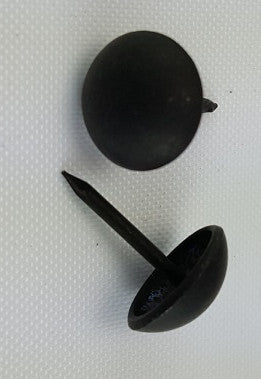 (Matte Black) Decorative Upholstery Tacks 7/16", Round Head (100)
$ 4.99
(Matte Black) Decorative Upholstery Tacks 7/16", Round Head (100)
$ 4.99
-
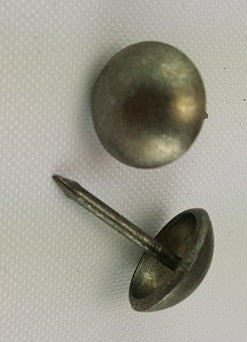 (Pewter #2 Dark Finish ) 7/16", Decorative Upholstery Nails (1000)
$ 24.99
(Pewter #2 Dark Finish ) 7/16", Decorative Upholstery Nails (1000)
$ 24.99
-
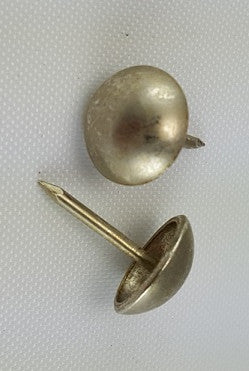 (Brushed Nickel) 7/16" Decorative Upholstery Tacks, Round Head (1000)
$ 24.99
(Brushed Nickel) 7/16" Decorative Upholstery Tacks, Round Head (1000)
$ 24.99
-
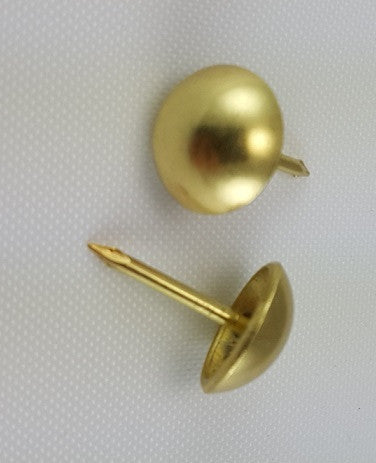 Brass 7/16" Decorative Upholstery Tacks, Round Head (100)
$ 4.99
Brass 7/16" Decorative Upholstery Tacks, Round Head (100)
$ 4.99
-
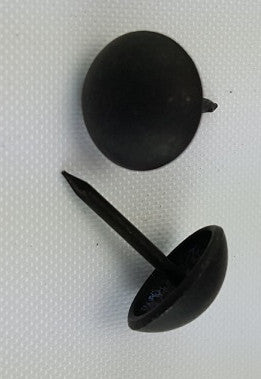 (Matte Black) Decorative Upholstery Tacks 7/16", Round Head (1000)
$ 39.95
(Matte Black) Decorative Upholstery Tacks 7/16", Round Head (1000)
$ 39.95
-
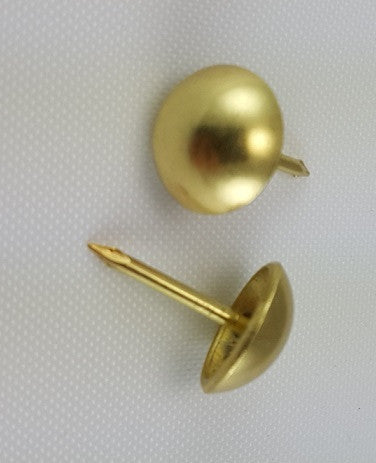 Brass 7/16" Decorative Upholstery Tacks, Round Head (1000)
$ 24.99
Brass 7/16" Decorative Upholstery Tacks, Round Head (1000)
$ 24.99
-
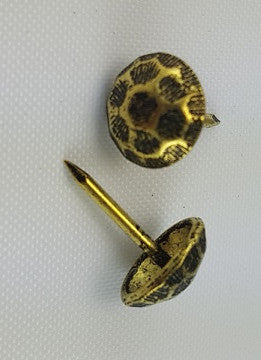 7/16" Decorative Oxford Hammered Tacks, Round (1000)
$ 39.95
7/16" Decorative Oxford Hammered Tacks, Round (1000)
$ 39.95
-
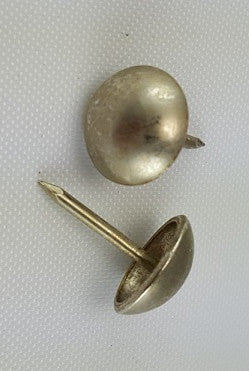 (Brushed Nickel) 7/16" Decorative Upholstery Tacks, Round Head (100)
$ 4.99
(Brushed Nickel) 7/16" Decorative Upholstery Tacks, Round Head (100)
$ 4.99







